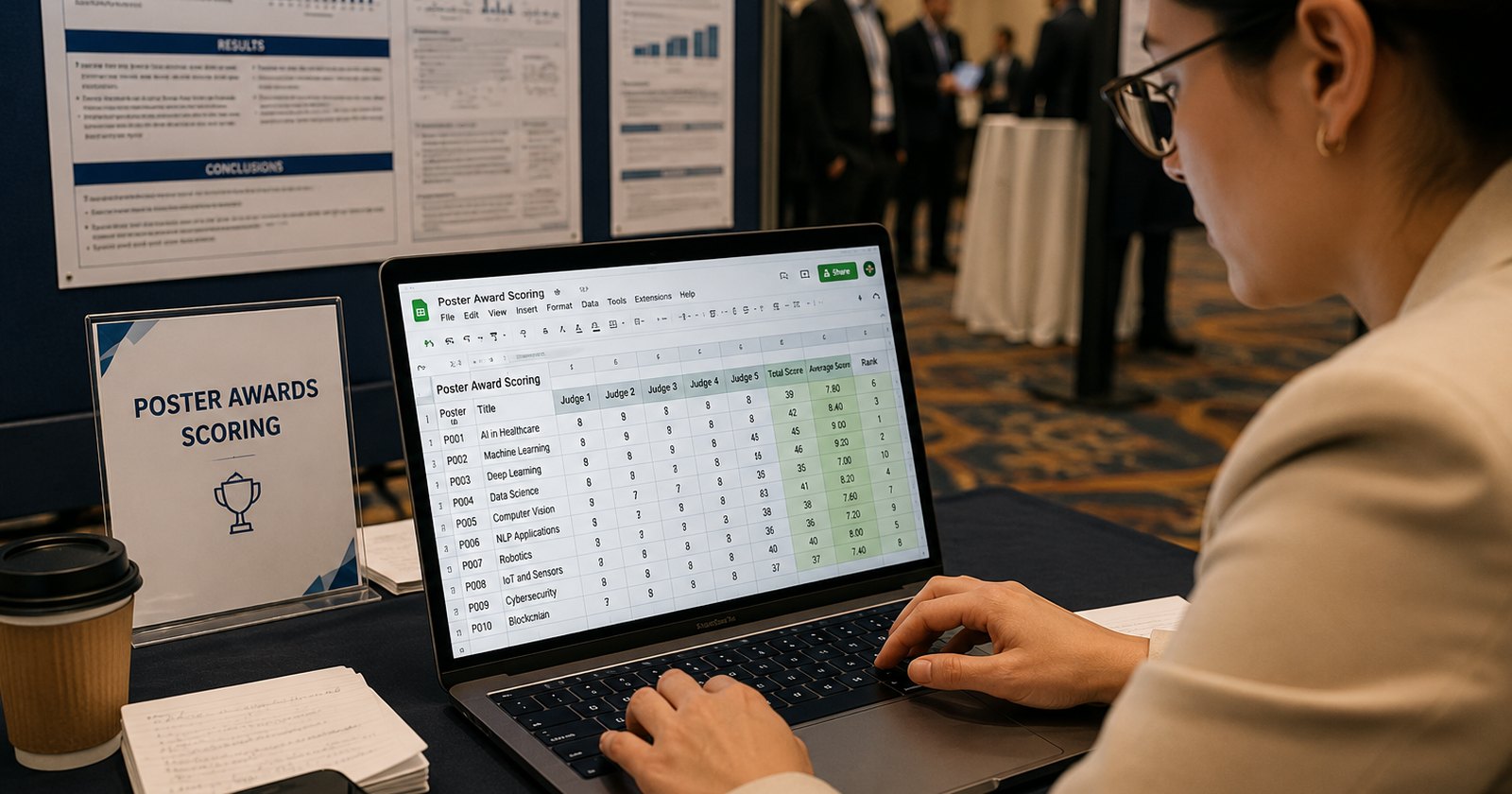
Using Google Forms for judging a poster competition or a best talk award is the default at thousands of scientific meetings, because it is free, familiar and already open in another tab. It is also why a surprising number of those awards are announced late, recalculated twice, or handed to the wrong person.
Can you run a competition on Google Forms?
Google Forms is a data collection tool, not competition judging software. It will gather scores, but it cannot assign entries to judges, enforce one vote per person without a Google login, show you who has finished scoring while there is still time to act, or rank the entries when voting closes. On a five-entry panel none of that matters. At a congress with 200 posters, 15 judges and an awards ceremony at 18:00, all of it matters at once.
- Anonymous voting and one vote per person are mutually exclusive in Google Forms.
- There is no per-judge assignment and no live completion tracking.
- The winner is produced by hand in a spreadsheet, with no audit trail.
Purpose-built judging software removes all three problems structurally.
To be fair to Google, this is not a flaw in the product. Forms was built to collect answers to questions, and it is excellent at that. Judging a competition asks for something else. Who is allowed to score what? Is coverage across entries even? Is the ballot secret, and can anyone vote twice? A form leaves all of that to the organizer, which is a reasonable design decision right up until you are the organizer. Here are the five places where the gap tends to show up, roughly in the order people find them.
1. You can have anonymous voting or one vote per person. Not both.
This is the one that catches everyone. Google Forms has a setting called "Limit to 1 response", and switching it on forces every respondent to sign in to a Google account so the submission can be tied to their identity. Leave it off and the form opens to anyone, which means the same person can vote for their own poster fifteen times from one phone. Those are the two settings. There is nothing in between.
In a lecture hall, that becomes a choice between two bad outcomes. Put a Google sign-in wall in front of a two-minute vote, and you end up recording who voted for whom. Skip it, and the result sits unprotected. For a people's choice award with a prize attached, the risk is real enough that most organizers would rather not think about it.
2. Google Forms cannot assign entries to judges
Poster judging is an assignment problem before it is a scoring problem. Judge A takes posters 1 to 12. Judge B takes 13 to 24. Work from your own department is off limits, and when a judge cancels at 08:40 their twelve entries have to land somewhere else within the hour. Google Forms hands every judge the same form and asks them to find their entry in a dropdown of 200 titles, half of which open with the same three words.
Assignments can be approximated, of course. Sections and branching logic get you part of the way, and a separate form per judge gets you further still. Both hold up nicely until the first change on the day, at which point you are editing forms on a phone in a corridor. Conflict of interest rules stay yours to police from memory.
3. You cannot see the gaps while you can still fix them
Forms will happily tell you how many responses have arrived. What it leaves out is that judge 7 has scored two of her twelve posters, or that poster 34 rests on a single score while poster 35 has five. Uneven coverage is the quietest way to skew a result. An entry averaged over two generous judges can beat a stronger entry averaged over five strict ones, and the room applauds either way.
By the time the responses are exported and the gap is visible, the judges have gone to the reception. That is what live progress tracking in dedicated judging software actually buys you. One message, to one person, while it can still change something.
4. The winner has to be worked out by hand
The Forms summary tab charts each question rather than each entry, so it can show you how judges used the scale while staying silent on who won. What arrives instead is a sheet of raw rows. Someone then groups scores by entry, averages across judges, applies the weighting the committee was promised, works out what to do with two half-finished ballots, and breaks the tie between the top two.
The workaround culture is telling. The Fred Hutch data science lab published posterpoller, an open-source R package that generates per-poster QR codes for a Google Form and then computes the winners from the responses, weighting votes by the voter's institutional email domain so the biggest lab does not simply win. It is careful work, and it exists because the form leaves all of it undone. Most organizers do that same job by hand in the ninety minutes before the ceremony. One broken formula in a spreadsheet built at that speed is enough to put the wrong name on a certificate, and the workflow offers nothing that would catch it.
5. Your voters cannot see what they are voting on
In conference voting by the audience, the ballot doubles as reference material. Picture an attendee on day three, choosing between eight talks they watched across two rooms. They want the title, the presenter, ideally the abstract, right there at the moment of deciding. A Google Form offers a radio list of titles and gets awkward with anything richer, so voters fall back on memory. Memory tends to reward whoever presented last.
Throughout the entire voting process, I received zero questions or complaints from participants about how to vote or any technical issues. For a conference organizer, that is probably the best outcome one can hope for.
Katya Govorkova, MIT, organizing committee, Gravitational Waves in the era of AI, CERN. Read the full case study.
What about Slido, Mentimeter and other live polling tools?
For a quick popularity vote in one room, live polling tools are a genuine step up from a form, and they are superb at the job they were built for: ask an audience one question, put the answer on screen. Competitions are where they meet the same wall. A poll thinks in questions, while a competition thinks in entries, judges and rubrics, and the gap becomes obvious the moment you need a ranked result across sixty posters that will survive a challenge. Asking a room a question and judging a competition look alike for about five minutes.
Google Forms vs judging software, in one table
| What judging day needs | Google Forms | Judging software (InstaJudge) |
|---|---|---|
| Anonymous ballots without duplicate voting | Pick one, not both | Anonymous modes for the audience, private links for named judges |
| Each judge sees only their assigned entries | Manual workarounds | Built in, editable during the event |
| Live completion tracking per judge | Response count only | Live judge progress dashboard |
| Ranked results when voting closes | Export and calculate yourself | Automatic, available instantly |
| Multi-criteria scoring rubric per entry | Spreadsheet formulas | Configured once, applied to everyone |
| Abstracts and links on the ballot | Limited | Supporting material per entry |
| Effort on the day | Minutes to build, hours to run | Minutes to build, minutes to run |
Our own timing comparison for a 20-poster session with five judges put the paper workflow at roughly 210 minutes of organizer time against about 16 minutes digitally. A form removes the printing and some of the transcription. It leaves the coordination and the tallying exactly where they were.
When Google Forms is genuinely the right call
Plenty of competitions run fine on a form, and it would be dishonest to pretend otherwise. Eight entries, three judges who all score everything, a single criterion, results that can wait until Monday: a form and a spreadsheet will carry that comfortably. The same goes for internal team votes and any contest where the prize is a bottle of wine.
So where is the line? Less about the size of the event, we think, than about the moment two things become true together. The result has to be defensible, and it has to be ready before people leave the room.
The alternative: purpose-built judging software
An online judging platform starts from the competition rather than from the questionnaire. In InstaJudge you set up the entries and the scoring criteria once, then pick the mode that matches your format: Panel Judging for named judges with their own assignments and a unique QR code each, Audience Scoring for everyone in the room to rate entries anonymously against your criteria, and Pick the Winner for a single favourite vote where the most votes win.
Everyone scores from their own phone through a QR code or a link, with no app to install and no account to create. You watch progress build on a live dashboard, nudge whoever is behind, and close voting when you are ready. The ranked result exists at that moment, not after an evening of spreadsheet work. That is how the organizing committee at CERN ran their best talk and best poster awards for a room of local and remote participants, with the abstract and presentation materials attached to each option on the ballot. If you are planning one, our step-by-step guide to running a best poster award covers the rest of the workflow.
Running an award at your next meeting? Build the whole thing in a couple of minutes and see how it works before you commit to anything.
The real cost of the free option
Google Forms is free at the point of use and expensive at the point of the ceremony. The bill arrives quietly. Staff hours spent reconciling responses, a panel whose coverage turned out patchier than anyone realised, occasionally a result that is hard to explain to whoever came second. Set against that, asking whether judging software is worth paying for feels like the wrong question. The better one is what the award itself deserves.
About the author. George Chaitides is COO at SciGen Technologies and co-creator of InstaJudge. He has spent fifteen years building event technology for scientific meetings, including ePostersLive, which has supported more than 700 conferences since 2013.
Google Forms behaviour described in this article was verified in July 2026. Google changes these settings from time to time, so check the current documentation before you plan around them.
Frequently asked questions
About InstaJudge
InstaJudge is an online judging and audience voting platform for conferences, academic events and professional competitions, used by organizers at institutions including MIT, CERN, Cleveland Clinic and the Royal College of Obstetricians and Gynaecologists. Set up a competition in minutes, choose between Panel Judging, Audience Scoring and Pick the Winner, and let judges or attendees score from their phones through a QR code or link with no app to install and no login required. Results are tallied in real time and final the moment voting closes. Every event includes 30 free votes with full functionality at instajudge.com.